What is NearMirror?
NearMirror is a desktop application for macOS, Windows, and Linux that lets you mirror and control your Android device directly from your computer — no root required.
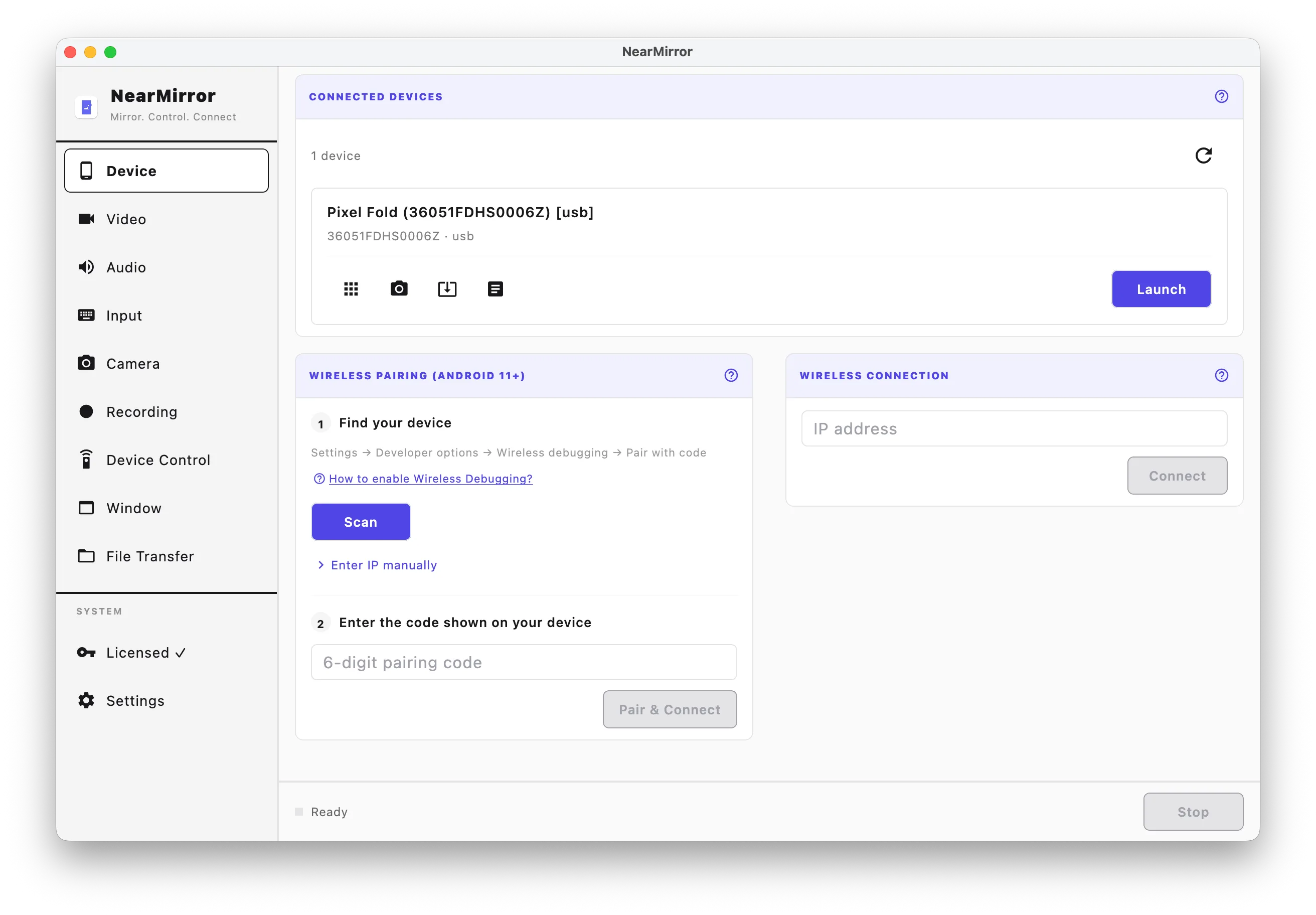
Once connected, your device screen appears in a window on your desktop. You can interact with it using your keyboard and mouse just as you would on the device itself.
Looking to install first? Go to Installation. For product overview and highlights, visit the NearMirror landing page.
What you can do
- Mirror your Android device screen in real time
- Control the device using your keyboard and mouse
- Stream audio from your device to your desktop speakers
- Record sessions to a video file
- Install apps by dragging APK files or using the built-in installer
- Transfer files to your device with a simple drag-and-drop
- Use the front or rear camera as a webcam on your desktop
What you need
| Requirement | Details |
|---|---|
| Android device | Android 5.0 or later |
| USB cable | For initial setup or USB mirroring |
| Wi-Fi | Same network as your computer for wireless mirroring |
| USB Debugging | Must be enabled on the Android device |
Next steps
Ready to get started? Head to Getting Started to connect your first device in minutes.